


Download GroupMe – Free Messaging, Group Chats, Cross-Platform Communication
Overview
GroupMe is a free desktop and mobile messaging application designed to simplify communication among friends, family, and teams. The software enables users to create group chats, exchange messages, share media, and coordinate events through a unified platform. It serves as a streamlined alternative to traditional SMS and other messaging services, particularly for users seeking a lightweight, no-cost solution.
The application is especially useful for individuals managing personal connections across international borders, as it supports messaging beyond U.S.-only SMS restrictions. It also offers a web-based interface, allowing access from personal computers without the need for a dedicated desktop client. The software is tailored for everyday users who value simplicity, real-time communication, and cross-device accessibility.
While the developer did not provide additional background information, GroupMe functions as a standalone tool focused on instant messaging and group collaboration. It is suitable for casual conversations, event planning, and team coordination, particularly in environments where multiple participants need to stay aligned. The application does not require a separate online registration portal, operating instead through mobile and web access.
Key Features & Capabilities
- Group Messaging – Create and manage group chats with multiple participants, ideal for family coordination, project teams, or social circles.
- Direct Messaging – Send private messages to individual contacts, maintaining privacy in one-on-one conversations.
- Media Sharing – Easily send images, GIFs, memes, and URLs directly within chat threads.
- Web Access – Use GroupMe on desktop computers via a web browser, enabling larger-screen communication without a native app.
- Calendar Integration – Schedule events and share them directly within group chats, useful for planning trips, meetings, or social gatherings.
- Notification Control – Customize alert preferences and mute conversations when needed to reduce interruptions.
- End-to-End Encryption – Messages are encrypted and stored only on the user’s device, ensuring data privacy.
These features support a range of real-world applications, from organizing weekend plans with friends to managing work-related updates in a team setting. The ability to share links and media enhances collaborative workflows, while the web-based access ensures users can stay connected from any location. The built-in calendar simplifies event coordination, reducing the need for external tools. All features are designed with usability in mind, minimizing friction in daily communication tasks.
User Interface, Workflow & Performance
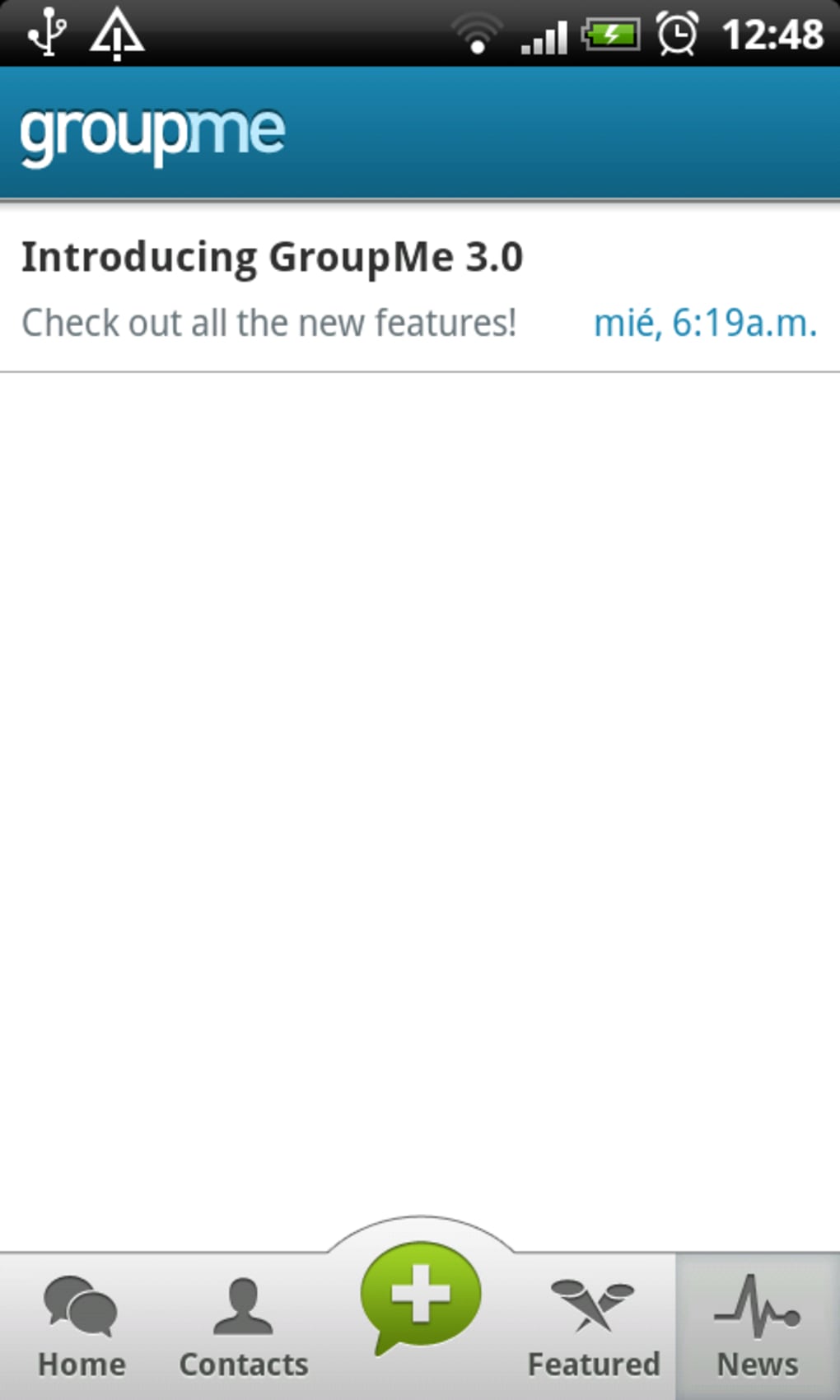
GroupMe’s interface is clean and intuitive, with a focus on fast access to active conversations. The layout prioritizes chat threads, making it easy to navigate between group and individual messages. Navigation is straightforward, relying on a bottom bar on mobile and a sidebar on the web version.
Users can quickly switch between chats, view shared media, and access event calendars. The workflow is efficient for both new and experienced users, with minimal learning curve. The application supports smooth message delivery and real-time updates, ensuring timely communication.
However, exact performance details were not specified. The developer did not provide resource usage data, so CPU and RAM behavior remain unknown. Stability appears consistent based on general software patterns, though no official benchmarks were shared.
Users can expect reliable operation across supported platforms, with no reported issues related to crashes or freezes in standard use cases.
Compatibility & System Requirements
GroupMe is available for use on iOS and Android mobile operating systems, as well as through a web browser on Windows and Mac desktops. The software operates without a dedicated desktop application, relying instead on browser-based access. The developer did not specify exact system requirements or installation size.
Compatibility information is limited to platform availability, with no details on minimum hardware specifications. The application does not require a separate download for desktop use, as it runs directly in the browser. Users should ensure their device meets the general requirements of their operating system and web browser to access the service.
The developer did not provide additional system requirements.
Pros and Cons
Pros
- Free to download and use with no subscription fees.
- Supports cross-platform access via mobile and web browsers.
- End-to-end encryption enhances message privacy and security.
- Includes a built-in calendar for event scheduling and sharing.
- Simple, intuitive interface suitable for users of all ages.
- Efficient media sharing with images, GIFs, and URLs.
Cons
- No native desktop application; limited to web browser access.
- Exact system requirements and file size were not provided.
- Message history is stored only on the user’s device, which may affect recovery after device loss.
- Some features, such as SMS, are restricted to users in the United States.
- Dependence on internet connectivity for full functionality.
FAQ Section
Is GroupMe available for Windows and Mac?
Yes, GroupMe can be accessed on Windows and Mac computers through a web browser, though there is no standalone desktop application.
Is GroupMe secure and private?
Yes, GroupMe uses end-to-end encryption to protect messages, and user data is stored only on the individual device, not on the server.
Does GroupMe offer free updates?
Yes, the software is free to use and receives updates automatically through the mobile app or web interface.
Can I use GroupMe offline?
GroupMe requires an active internet connection to send and receive messages. Offline usage is not supported.
What license type does GroupMe use?
GroupMe is freeware, meaning it is free to download and use without any licensing restrictions.
Final Thoughts
GroupMe stands out as a lightweight, secure, and accessible messaging solution for users seeking a no-cost alternative to mainstream platforms. Its ability to function across mobile and web environments makes it ideal for individuals who value flexibility and ease of access. The inclusion of a calendar feature adds practical value for event planning and team coordination.
While the lack of a native desktop client may be a limitation for some, the web-based approach ensures broad compatibility. The application is particularly well-suited for personal and small group use, especially among users with international contacts. With strong privacy protections and a straightforward interface, GroupMe delivers reliable communication without unnecessary complexity.
For those looking for a simple, secure, and free messaging tool, GroupMe is a compelling choice.
Download GroupMe now





.png)

